
Revision history: see what changed in a publication, and bring back an earlier version
1793193219532
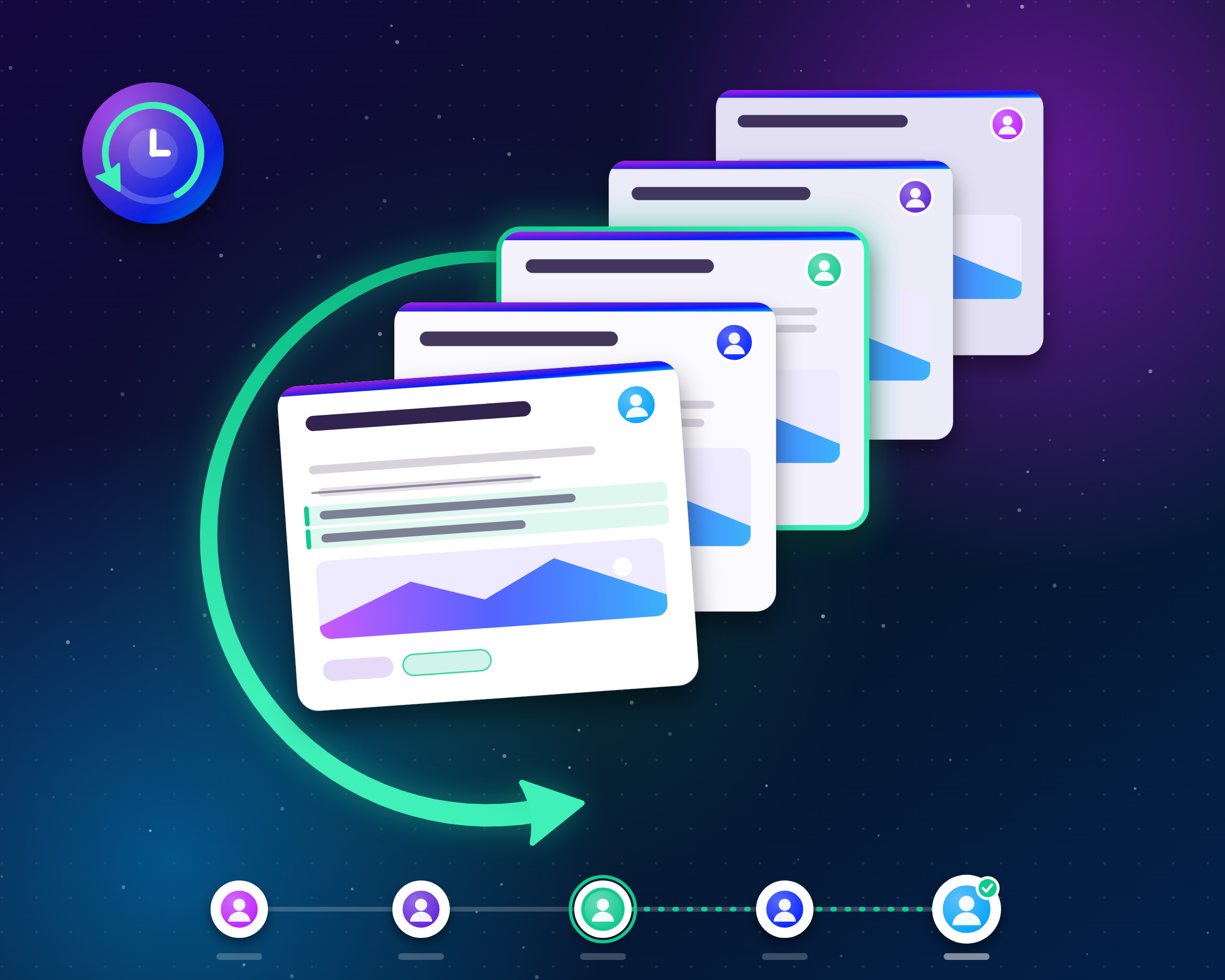
A paragraph deleted by mistake, an integration overwriting a publication, a change you want to take back: until now, an edit was final. Publications now keep a history of their changes. You can see who changed what, compare any revision with the current version, and bring an earlier one back in one click.
How it works
Open a publication in the editor and click the Revisions button at the end of the toolbar. The panel lists the revisions of the publication, newest first, each with its author and time. Click one to view it: the changes against the current version are highlighted in place, text added, removed or reformatted, and the panel tells you when the title, labels or featured image changed as well.
Restoring a revision brings back its title, content, labels and featured image. The version you replace stays in the history, so restoring is never a one-way door. If the publication is published, the restored content goes live immediately, like any other edit.
What gets recorded
Changes from everywhere: Edits made in the dashboard, through the API or by integrations such as Zapier are all recorded. Edits made with an access token appear under the token's name, so you always know who, or what, changed a publication.
One revision per editing session, not one per keystroke: The dashboard saves as you type, so saves by the same person less than 15 minutes apart are folded into a single revision, for up to an hour. A different author, or a longer pause, starts a new one. Your history stays readable.
Milestones always get their own entry: Publishing or restoring a publication records a revision of its own, a clean restore point at the moments that matter.
The earliest version is kept for good: A publication keeps its 100 most recent revisions plus the earliest one, so you can always go back to where it started.
Availability
Revision history is recorded for every project starting today, for drafts and published publications alike. Viewing revisions, comparing changes and restoring a revision is included in the Business and Enterprise plans.
Did you like this update?